What is a first-then board, and how do you use one?
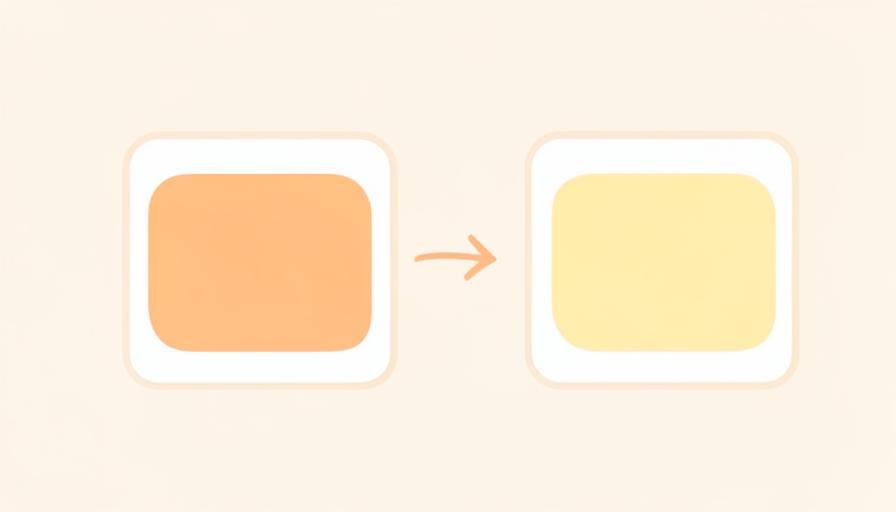
A first-then board shows just two things: what happens now, and what comes after. That simplicity is exactly why it works in moments when a full day plan is too much.
What a first-then board actually is
Two panels side by side. On the left, a picture of the activity happening now ("first"). On the right, a picture of what comes after ("then"). Nothing else. No times, no list, no choices. The board answers one question: and what after that?


Why two steps are enough
A full day plan asks a child to hold an overview in mind. In a tense or resistant moment, that overview is gone. Two images ask almost nothing of working memory: your child sees what is happening now and sees that something follows. Uncertainty shrinks, and resistance often shrinks with it.
When to use one
At a transition that reliably goes wrong (play to dinner table, home to car), before a necessary but unpopular task, or on a day that has gone off plan. For younger children, or children new to visual planning, a first-then board is usually the step before a full day plan.


How to word it
Keep it factual and short: "First brush teeth, then a story." Point at each picture as you say it. Choose a "then" that is going to happen anyway rather than something you could withdraw, the board announces an order, it is not a reward chart.
First-then in daylumi
daylumi has a First→Then block as a native building block. You pick two visuals, a pictogram from the library or your own photo, and either place the block in the day plan or use it on its own during a transition. In child mode your child sees only those two images, large and undistracted.


From two steps to a whole day
Once two steps run smoothly, extend to three or four, then to a routine or a full day plan. If a day gets hard, drop back to first-then. Going smaller is not a setback; it is the same structure, shortened.
Try it: build a First→Then block in daylumi for the transition that goes wrong most often in your home.