My World: why your own visuals work better than generic pictograms
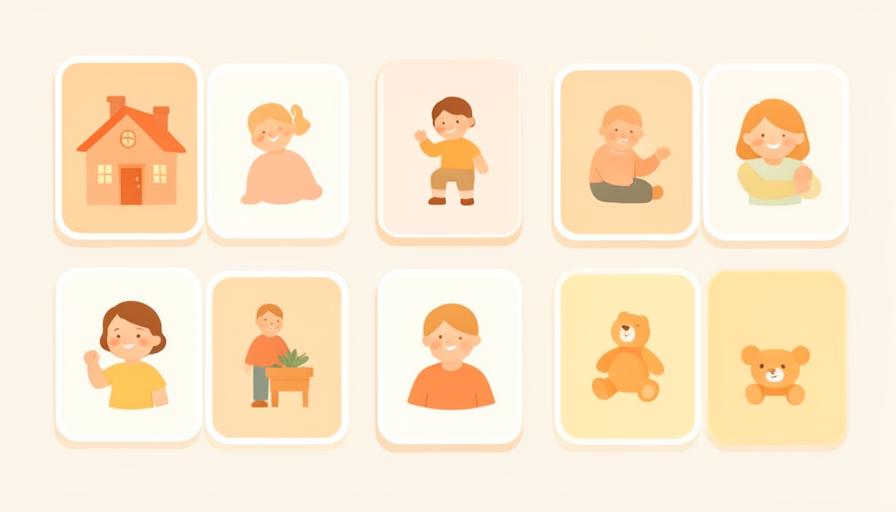
A generic pictogram of "car" is clear. A photo of Grandma's car is recognisable. My World is where daylumi keeps your child's people, places, things and activities.
Four kinds: people, places, things, activities
Each item gets a name, optionally in several languages, and a preferred visual: a photo you take or upload, or a pictogram from the library.


It grows through use, not through a form
You do not have to fill anything in up front. When "Grandma" appears in a plan for the first time, daylumi asks whether to add her: take a photo, upload, pick a pictogram or skip.
Recognition lowers the threshold
The closer the visual is to your child's reality, the less translation is needed. That matters most during transitions and in new situations.
Photos stay private
Photos live in protected EU storage and are never sent to the AI. When planning, daylumi only uses text labels; matching label to visual happens inside the app.
Built once, used everywhere
Whatever is in My World returns in plans, routines and First→Then blocks. Your child keeps seeing the same visuals for the same people and places.
Start small: add the three people who appear most often in your week.