Ouder & kind
Parent mode and child mode: two screens, one day
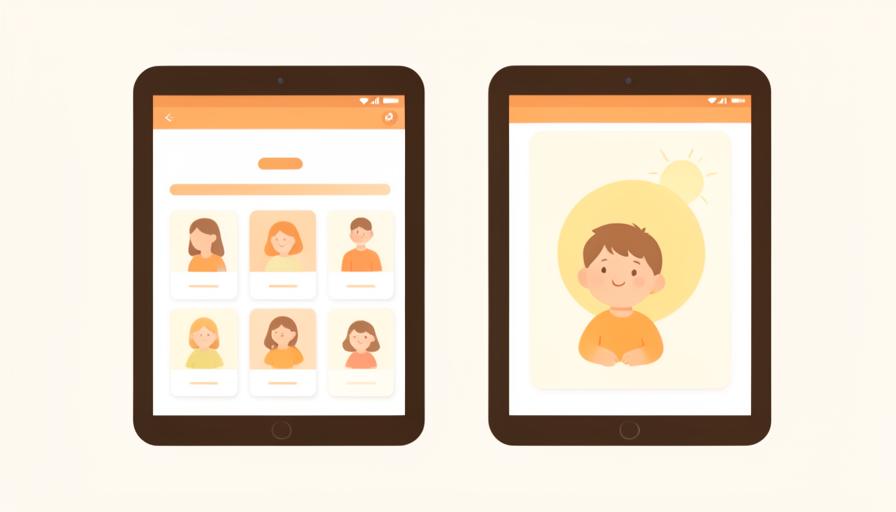
You plan, your child follows. That is why daylumi has two faces: a working surface for you and a calm screen for your child, with a PIN in between.
Child mode shows only the day
In child mode the menus, settings and anything about subscriptions disappear. What remains: today's steps, large and tappable.
A PIN keeps management with you
Returning to parent mode goes through a PIN, so you can hand over the device without the plan being changed by accident.
Calm by design, no game elements
No points, no badges, no confetti. Checking a step off shows what is done, it is not a reward that pulls attention away from the day itself.

Low-stimulation mode and dark mode
For sensitive moments, switch on low-stimulation mode: less colour, less contrast, no motion. Dark mode helps in the evening.
Set your PIN today and hand the device over in child mode.